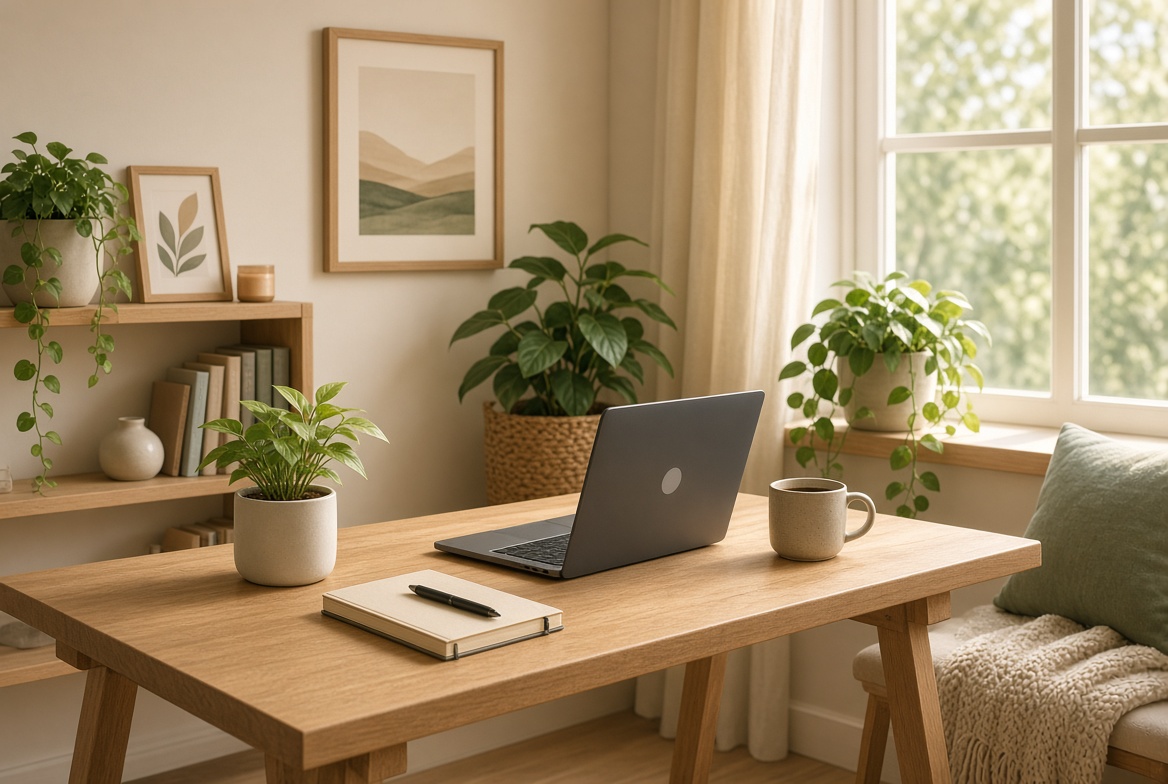
Working from home offers freedom, but it also comes with a common problem: the workspace slowly becomes dull, cluttered, or mentally draining. When your desk feels uninspiring, focus drops, motivation fades, and the line between work and rest gets blurry. A well-designed home workspace doesn’t need to be large or expensive. It just needs to support concentration, reduce friction, and give you a small sense of energy every time you sit down.
The goal is not to create a perfect Instagram office. It’s to build a space that helps you start work more easily, stay focused longer, and still feel comfortable after several hours. Small, intentional changes often make a bigger difference than a complete redesign.
Table of Contents
-
- Choose a Dedicated Zone (Even If It’s Small)
-
- Prioritize Comfort Before Aesthetics
-
- Control Visual Clutter
-
- Use Lighting to Improve Energy and Mood
-
- Add Personality Without Creating Distraction
-
- Create a Simple Start-of-Work Ritual
-
- Design for Easy Transitions Between Focus and Breaks
-
- Keep Technology from Taking Over
-
- Refresh the Space Regularly
-
- Match the Space to the Type of Work You Do
- Final Thoughts
1. Choose a Dedicated Zone (Even If It’s Small)
One of the biggest challenges of working from home is the lack of a clear boundary between “work mode” and “home mode.” When you work from the couch, bed, or dining table every day, your brain receives mixed signals.
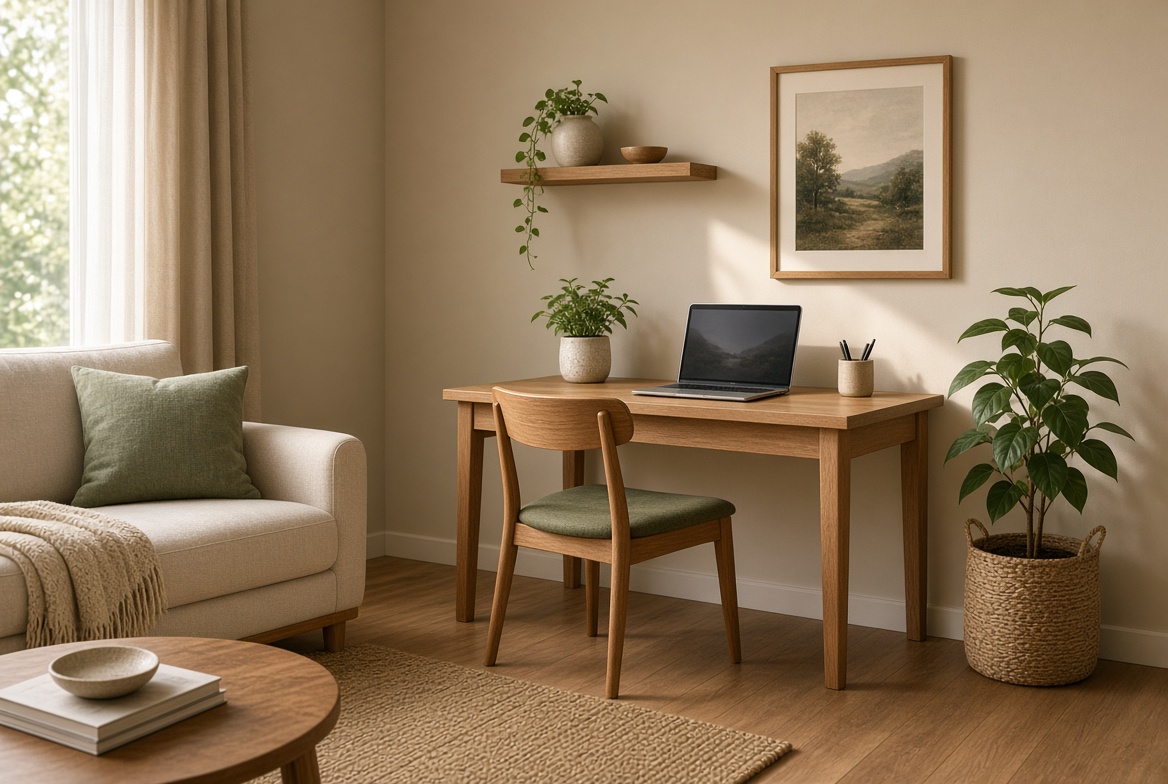
If possible, claim one consistent spot for work. It doesn’t have to be a full room. A corner of the living room, a section of a bedroom, or even a narrow desk against a wall can work. The important part is consistency. When you sit in that spot, your mind begins to associate it with focus.
Practical tip: If you share space with others, use a small rug, a folding screen, or even the direction your desk faces to create a psychological boundary.
2. Prioritize Comfort Before Aesthetics
An uncomfortable chair or a desk at the wrong height will quietly drain your energy, no matter how nice the space looks. Start with the basics of ergonomics:
- Your feet should rest flat on the floor (or on a footrest).
- Your screen should be roughly at eye level.
- Your arms should be able to rest comfortably while typing.
A supportive chair matters more than a decorative one. If a new chair isn’t possible right now, small upgrades like a lumbar cushion or an external keyboard and laptop stand can noticeably improve comfort.
When your body feels less strained, your ability to concentrate usually improves.
3. Control Visual Clutter
Clutter competes for attention. Stacks of papers, random cables, unused items, and open tabs on your screen all create low-level mental noise.
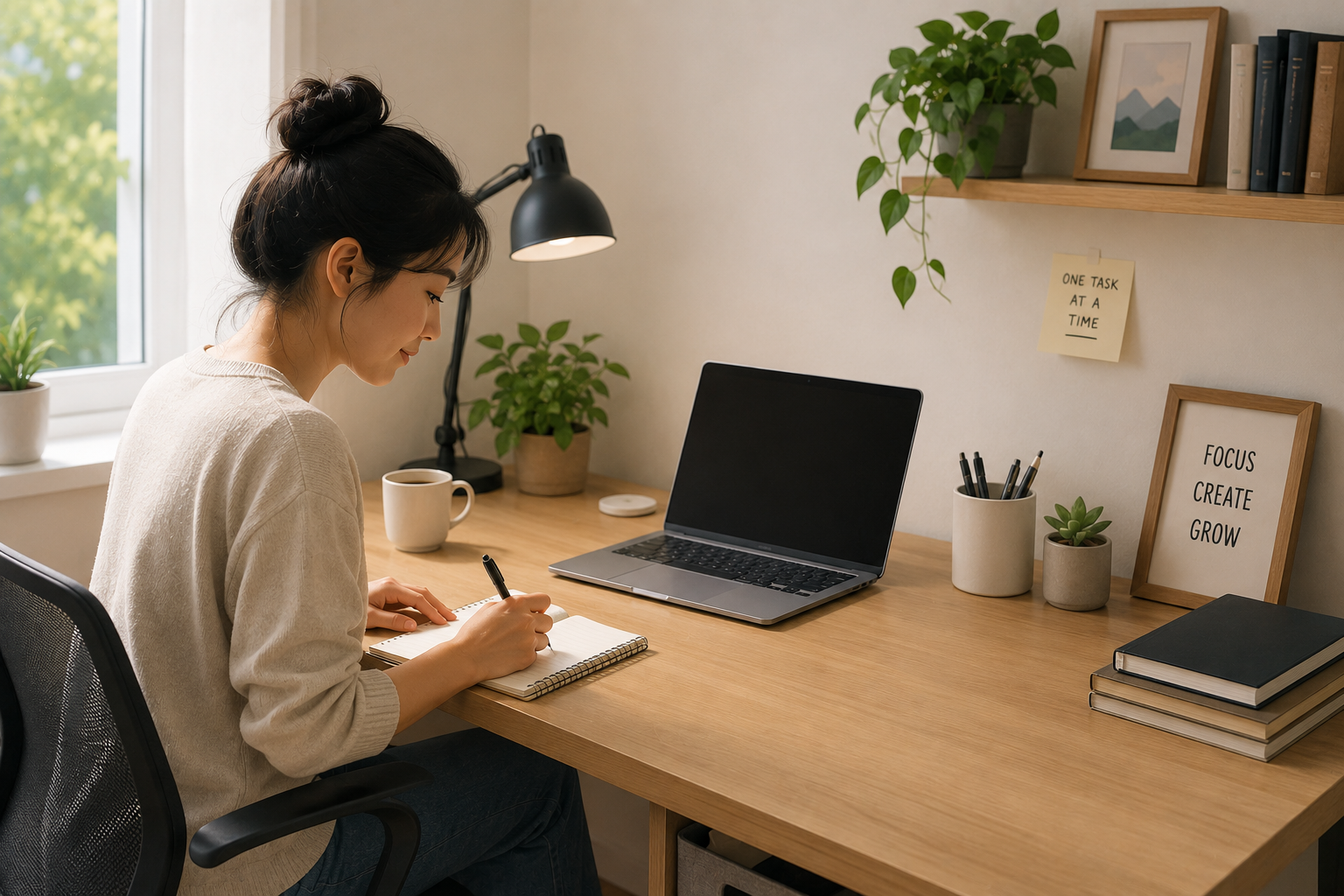
Keep only the items you use daily within easy reach. Everything else should have a home in a drawer, box, or shelf. A clear desk surface makes it easier to start work and reduces the feeling of being overwhelmed.
This doesn’t mean the space has to feel empty or sterile. It means the objects that remain should be useful or intentionally chosen.
4. Use Lighting to Improve Energy and Mood
Lighting has a strong effect on alertness and mood. Dim, yellowish light can make you feel sleepy, while harsh overhead lighting can feel clinical and tiring.
Ideally, place your desk near natural light. If that’s not possible, layer your lighting:
- A good main light source
- A desk lamp for focused work
- Optional warmer light for later in the day
Avoid sitting with a bright window directly behind your screen (which causes glare) or in deep shadow. Adjusting light is one of the fastest ways to make a workspace feel more alive and usable.
5. Add Personality Without Creating Distraction
A completely blank workspace can feel cold and boring. A space filled with too many stimulating objects can feel chaotic. The balance is to add a few elements that feel personal and pleasant without pulling your attention away from work.
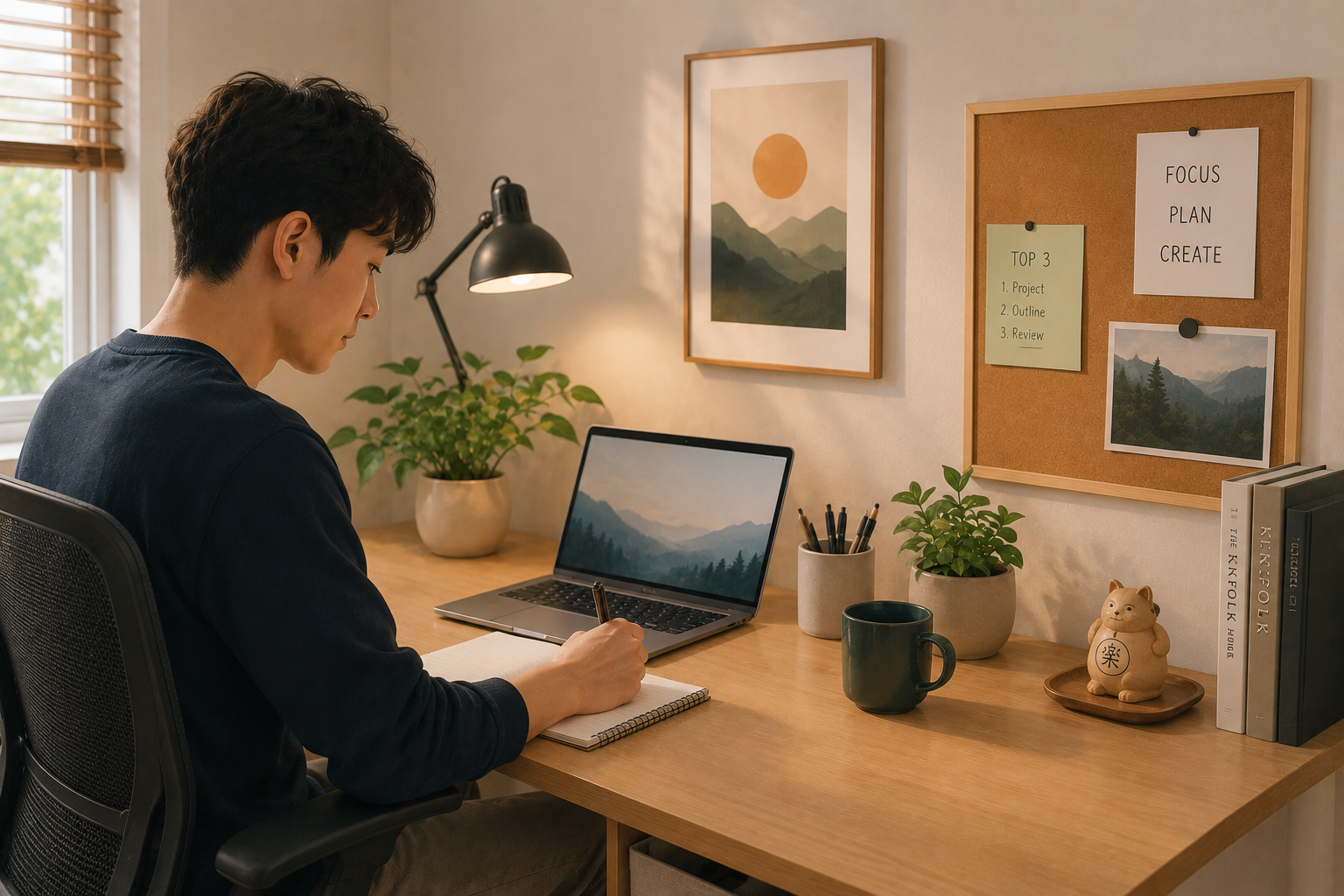
Good options include:
- One piece of art or a simple print
- A healthy plant
- A corkboard or magnetic board with only current priorities
- A single meaningful object
Avoid turning your desk into a display shelf. Personality should support the atmosphere, not compete with your focus.
6. Create a Simple Start-of-Work Ritual
The way you begin work matters. When the transition from home life to work life is abrupt or unclear, it takes longer to settle into concentration.
A short ritual can help. Examples include:
- Clearing the desk surface
- Writing the top three tasks for the day
- Making a specific drink and sitting down at the same time
- Putting on a particular playlist or ambient sound
The ritual itself is less important than the consistency. Over time, it becomes a mental cue that work is starting.
7. Design for Easy Transitions Between Focus and Breaks
High focus for hours without breaks usually leads to diminishing returns. A good workspace supports both deep work and recovery.
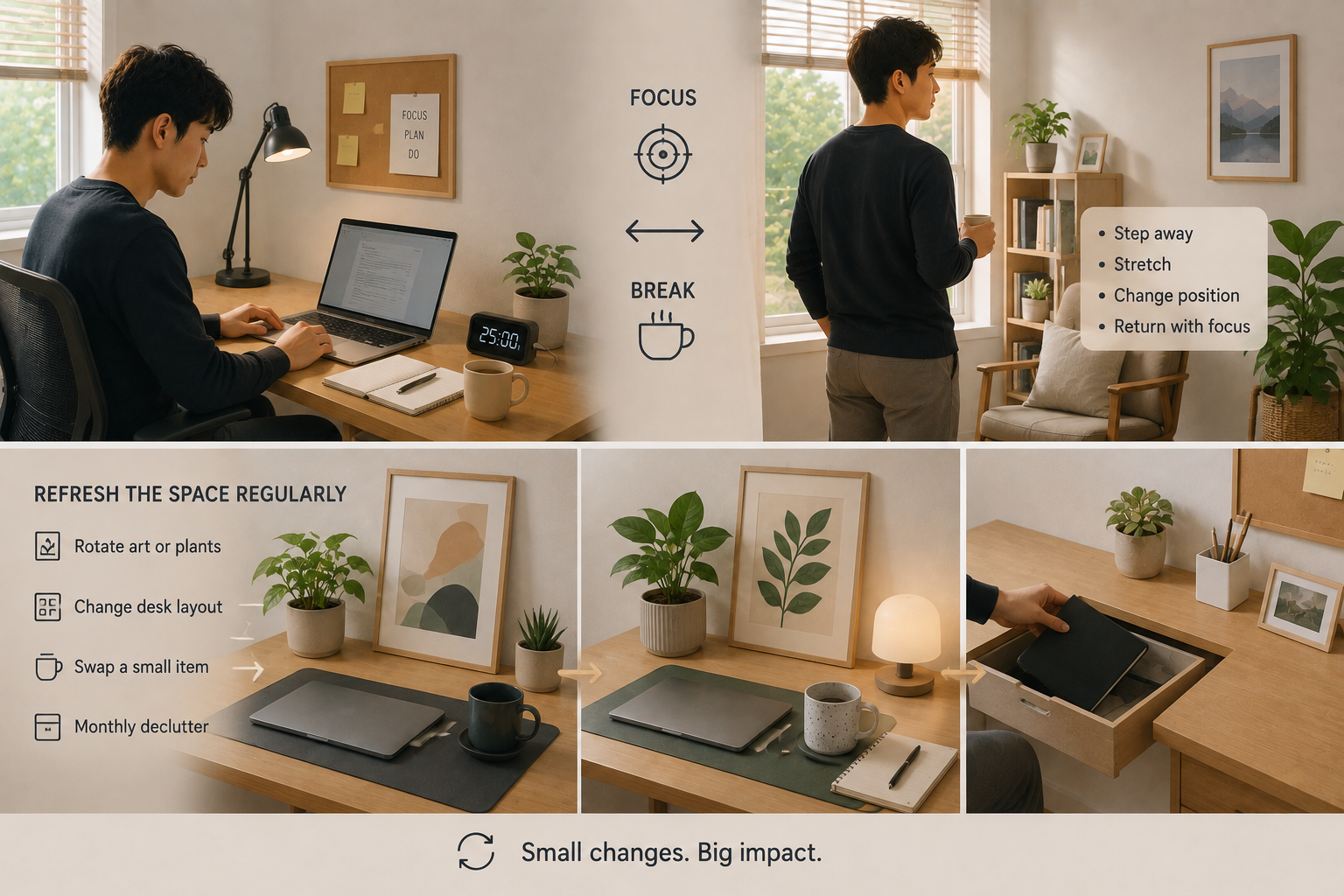
Keep a small area or habit that signals a break: standing up and stretching, stepping away to a different chair, or walking to another room. If possible, avoid taking breaks in the exact same position where you work, especially if you struggle to switch back into focus afterward.
Some people also benefit from a visible timer or simple time-blocking system so work sessions and breaks stay intentional rather than reactive.
8. Keep Technology from Taking Over
Technology is essential for most home work, but it can also become the biggest source of distraction and visual mess.
Practical improvements include:
- Using cable organizers or clips to reduce visual chaos
- Keeping your phone out of easy reach during deep work blocks
- Closing unnecessary browser tabs
- Using a separate user profile or desktop setup for work if you share the computer with personal use
A cleaner digital environment often improves focus as much as a cleaner physical one.
9. Refresh the Space Regularly
Even a well-designed workspace can start to feel stale over time. When that happens, motivation often drops without an obvious reason.
Simple refreshes can help:
- Rotate a piece of art or a plant
- Change the desk layout slightly
- Swap a textural element (a new desk mat, a different mug, a different lamp position)
- Do a deeper declutter once a month
You don’t need to redesign everything. Small changes are often enough to make the space feel new again.
10. Match the Space to the Type of Work You Do
Not every job benefits from the same setup. A writer, a designer, a developer, and someone handling frequent video calls have different needs.
Consider:
- Do you need strong focus for long stretches, or frequent context switching?
- Do you take many video calls (and therefore care more about background and camera angle)?
- Do you need space for notebooks, sketches, or physical materials?
Designing around your actual work patterns is more effective than copying a generic “ideal” home office.
Final Thoughts
A productive and enjoyable home workspace is built through small, practical decisions rather than one big makeover. Clear boundaries, physical comfort, controlled clutter, good lighting, and a touch of personality usually deliver the biggest results.
Start with the change that feels most obvious in your current setup. For many people, that means clearing the desk, improving the chair or screen height, adjusting the lighting, or creating a more consistent work zone. Once those foundations are in place, layer in the details that make the space feel like somewhere you actually want to spend time.
Your workspace doesn’t need to be perfect. It needs to make focused work easier to start and easier to sustain — while still feeling human enough that you don’t dread sitting down every morning.